MainWindow
A window that can use the full set of window-level user interface elements.
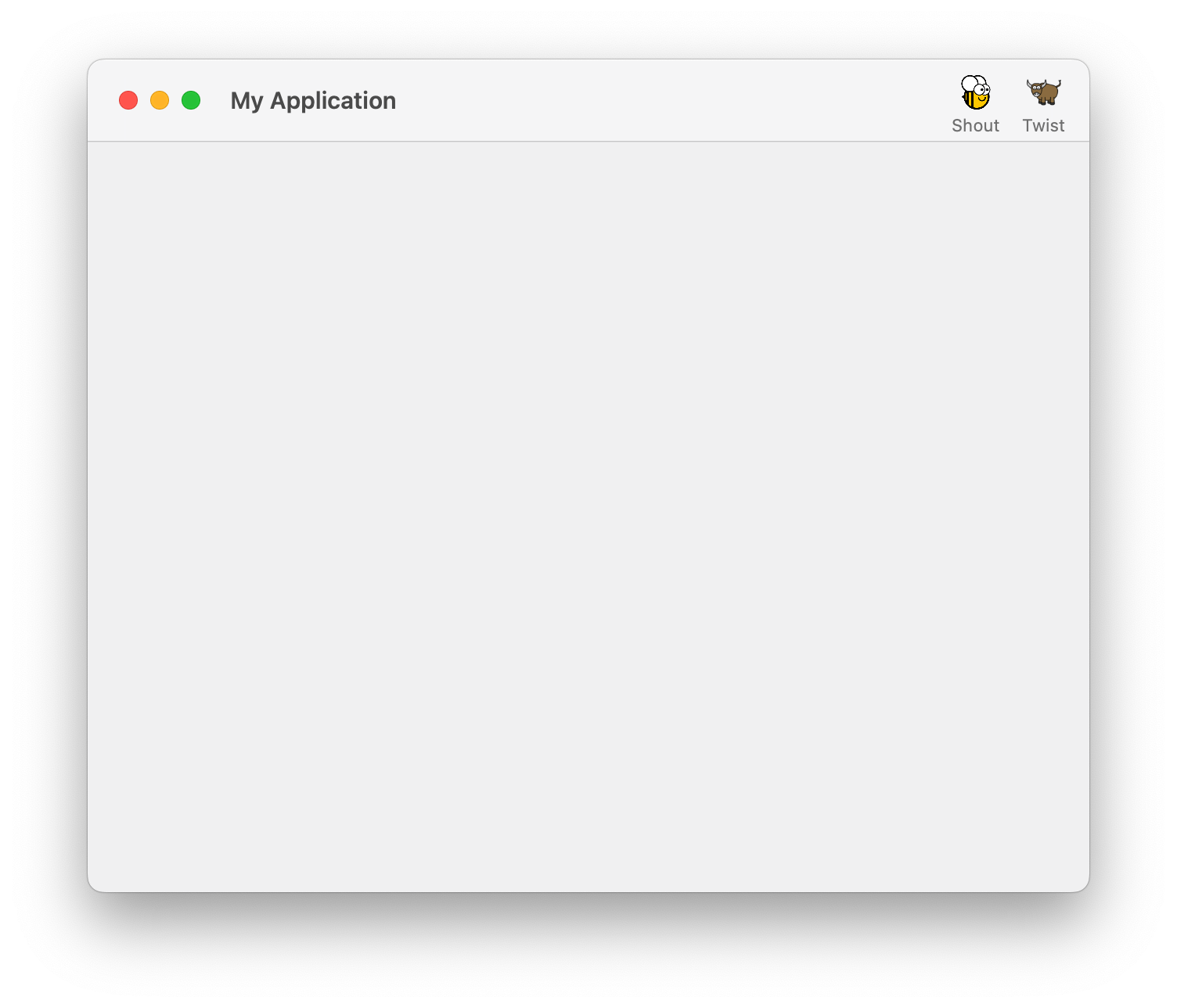
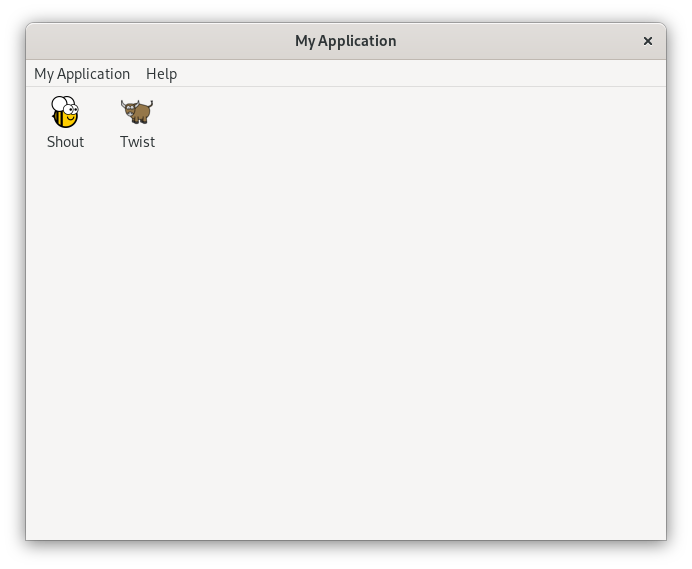
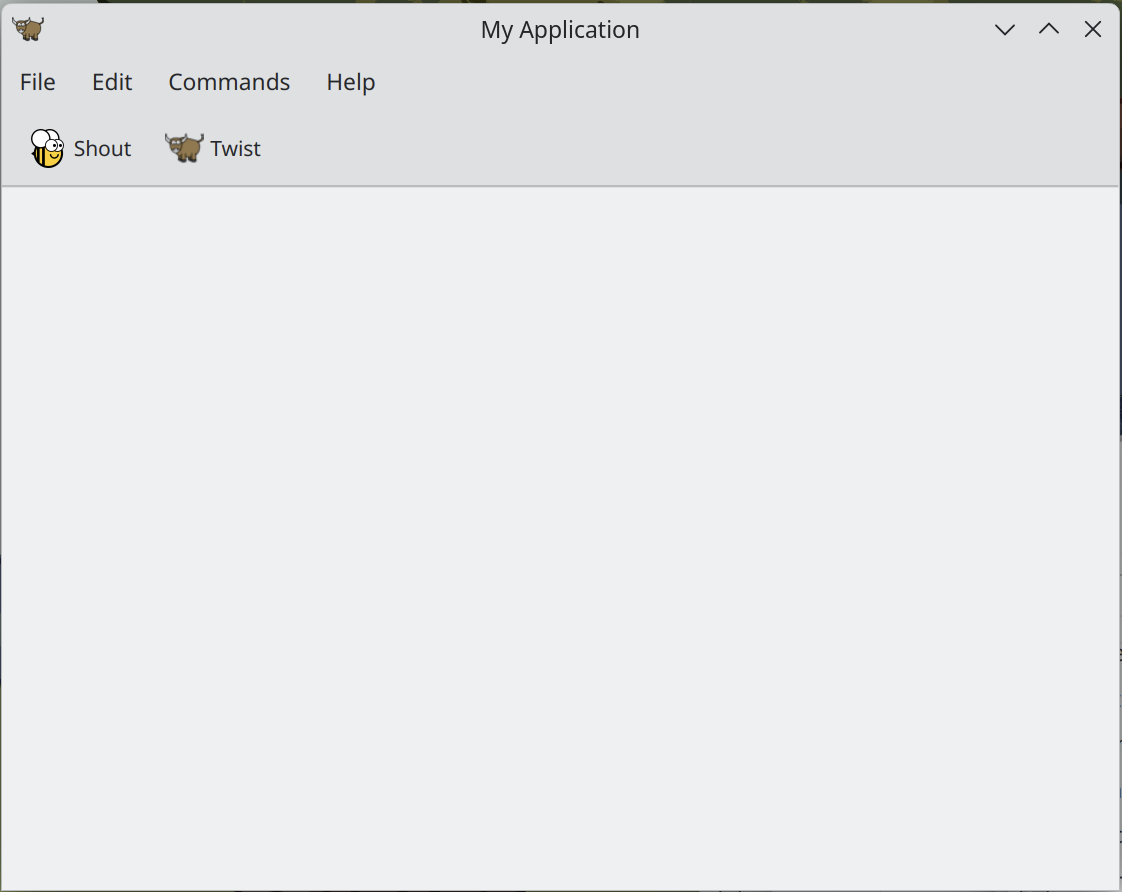
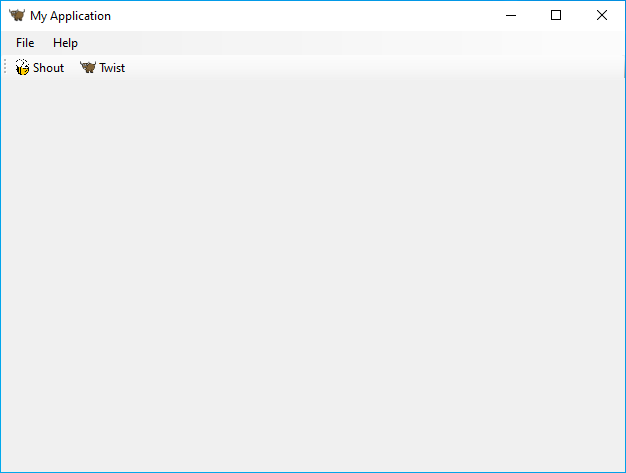
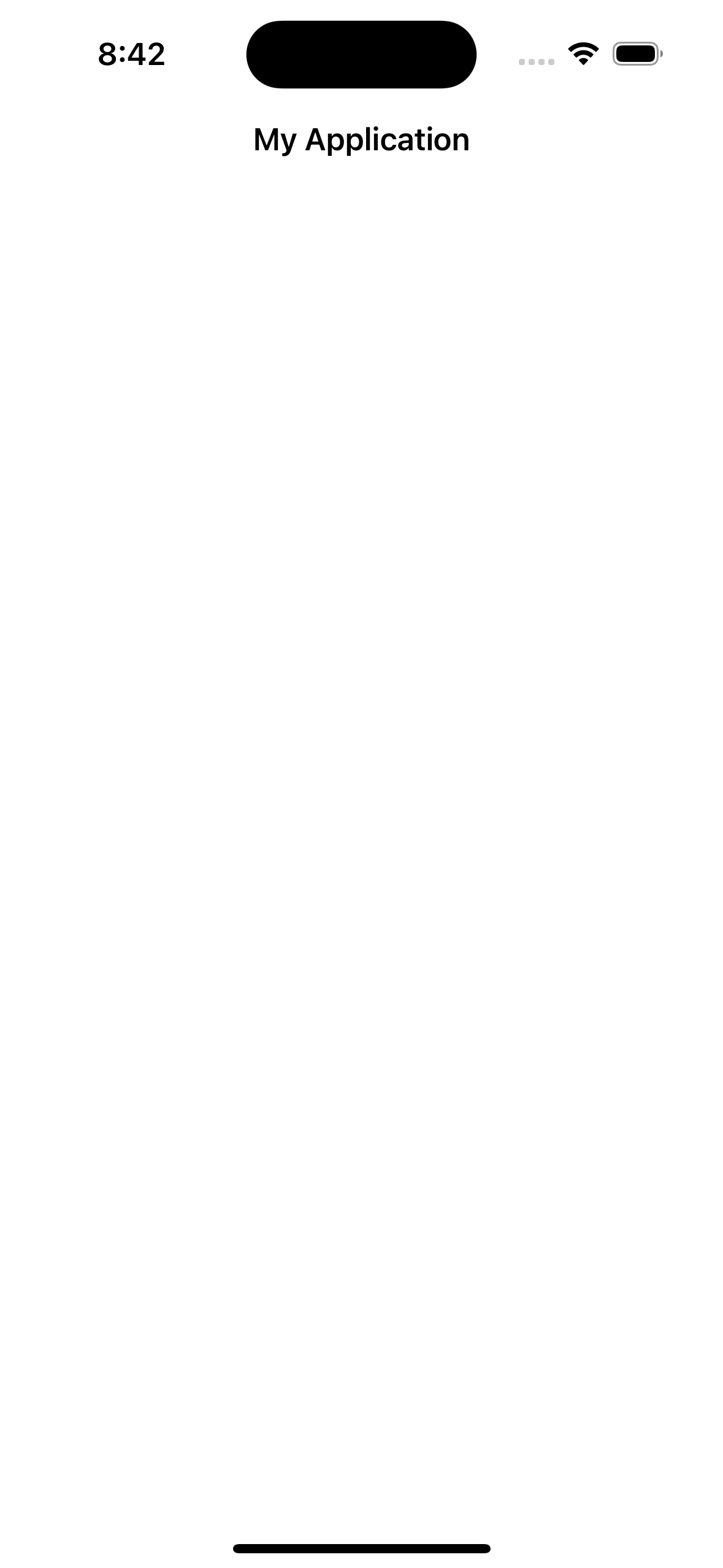
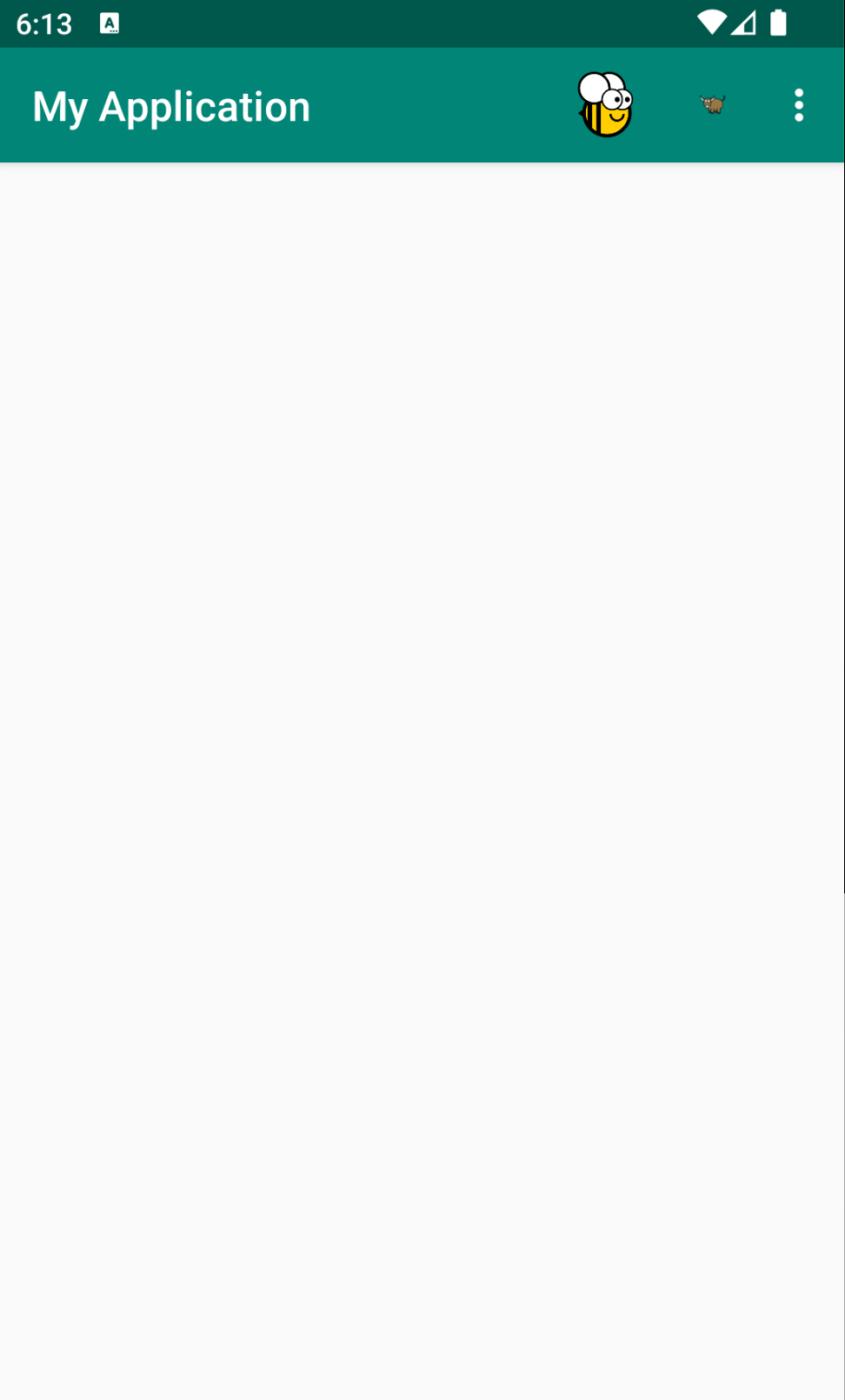
Screenshot not available
Screenshot not available
Usage
A toga.MainWindow is a toga.Window that can serve as the main interface to an application. A toga.MainWindow may optionally have a toolbar. The presentation of toga.MainWindow is platform dependent:
- On desktop platforms that place menus inside windows (e.g., Windows, and most Linux window managers), a
toga.MainWindowinstance will display a menu bar that contains the defined appcommands. - On desktop platforms that use an app-level menu bar (e.g., macOS, and some Linux window managers), the window will not have a menu bar; all menu items will be displayed in the app bar.
- On mobile, web and console platforms, a
toga.MainWindowwill include a title bar that can contain both menus and toolbar items.
Toolbar items can be added by adding them to toolbar; any command added to the toolbar will be automatically added to the App's commands as well.
import toga

main_window = toga.MainWindow(title='My Application')

self.toga.App.main_window = main_window
main_window.show()